Exit Passes
The Exit Passes module tracks early student check-outs (illness, appointments, family emergencies…). Accessible from Student Management → Exit Passes.
Pass list
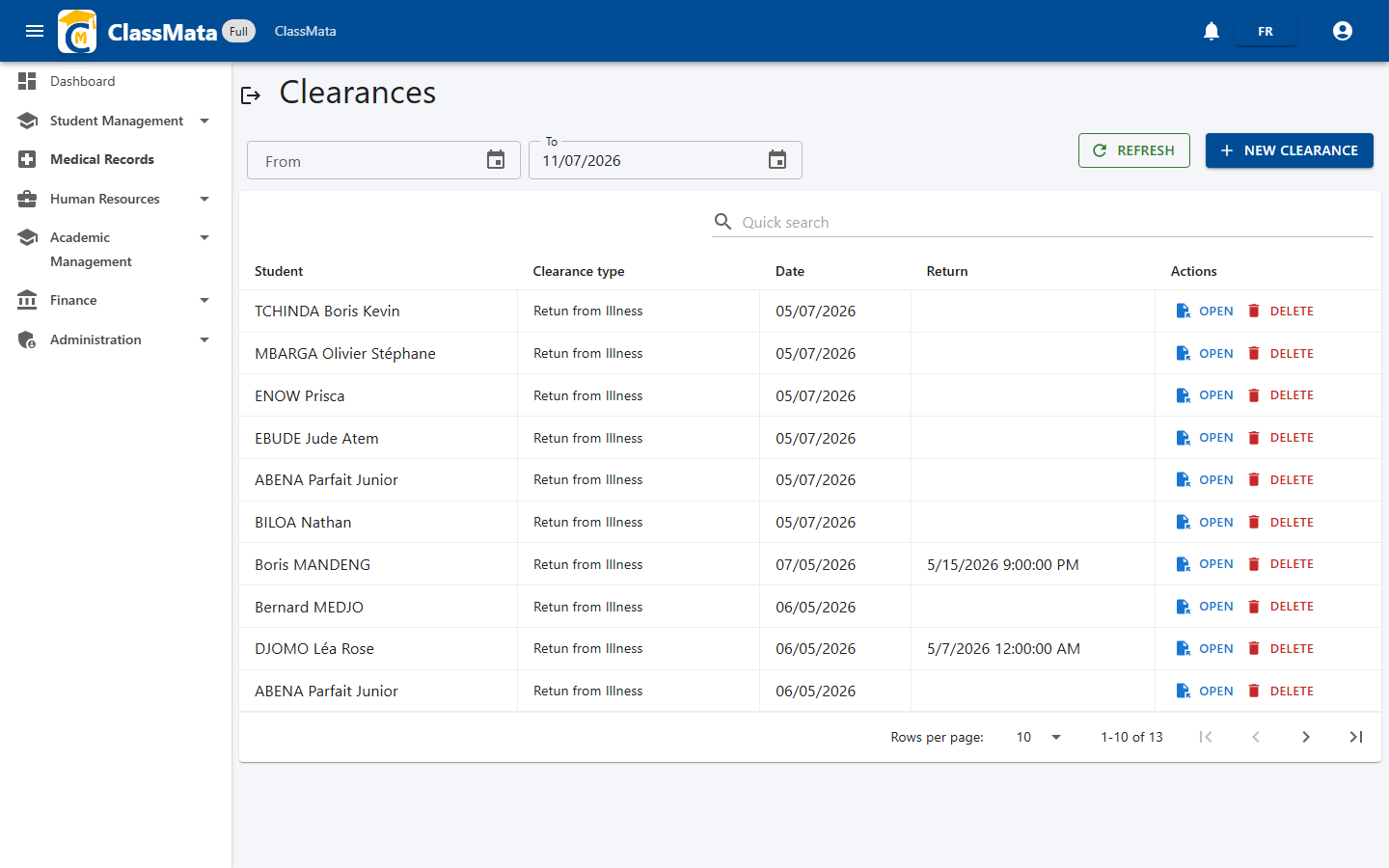
A date-range filter (From / To) narrows the list; each pass shows the student, the reason for leaving, the date, and the return date if known. Open displays/prints the pass; New Pass starts creating one.
Creating an exit pass
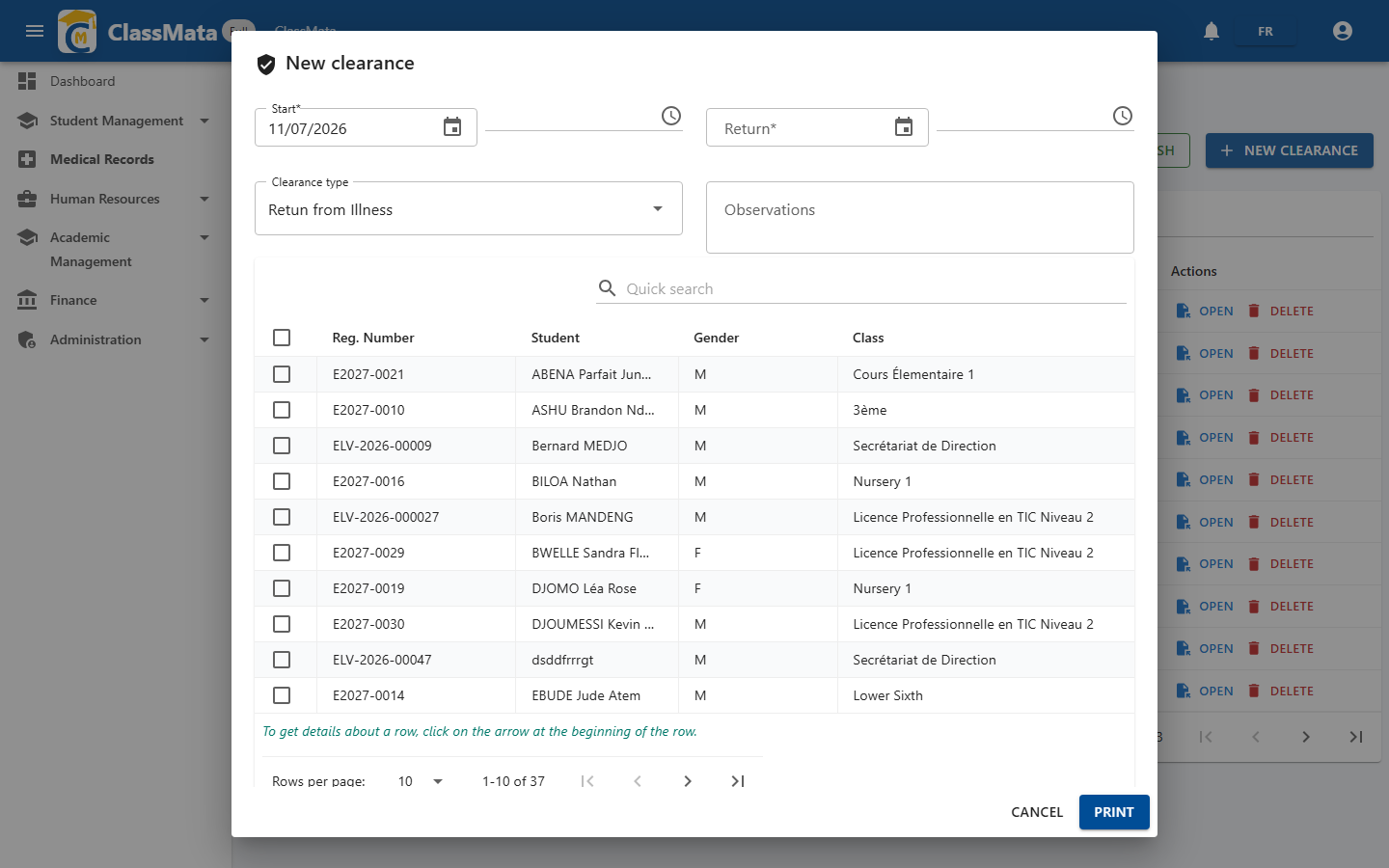
A single pass can cover one or several students at once (e.g. a group outing). Fill in the Start date, the Return date, the Reason (dropdown, e.g. "Sick leave return") and free-text notes. Check one or more students in the search table, then click Print to generate the matching pass(es).