Login & Dashboard
This guide covers the first two screens any ClassMata user sees: the login screen and the home dashboard.
Login
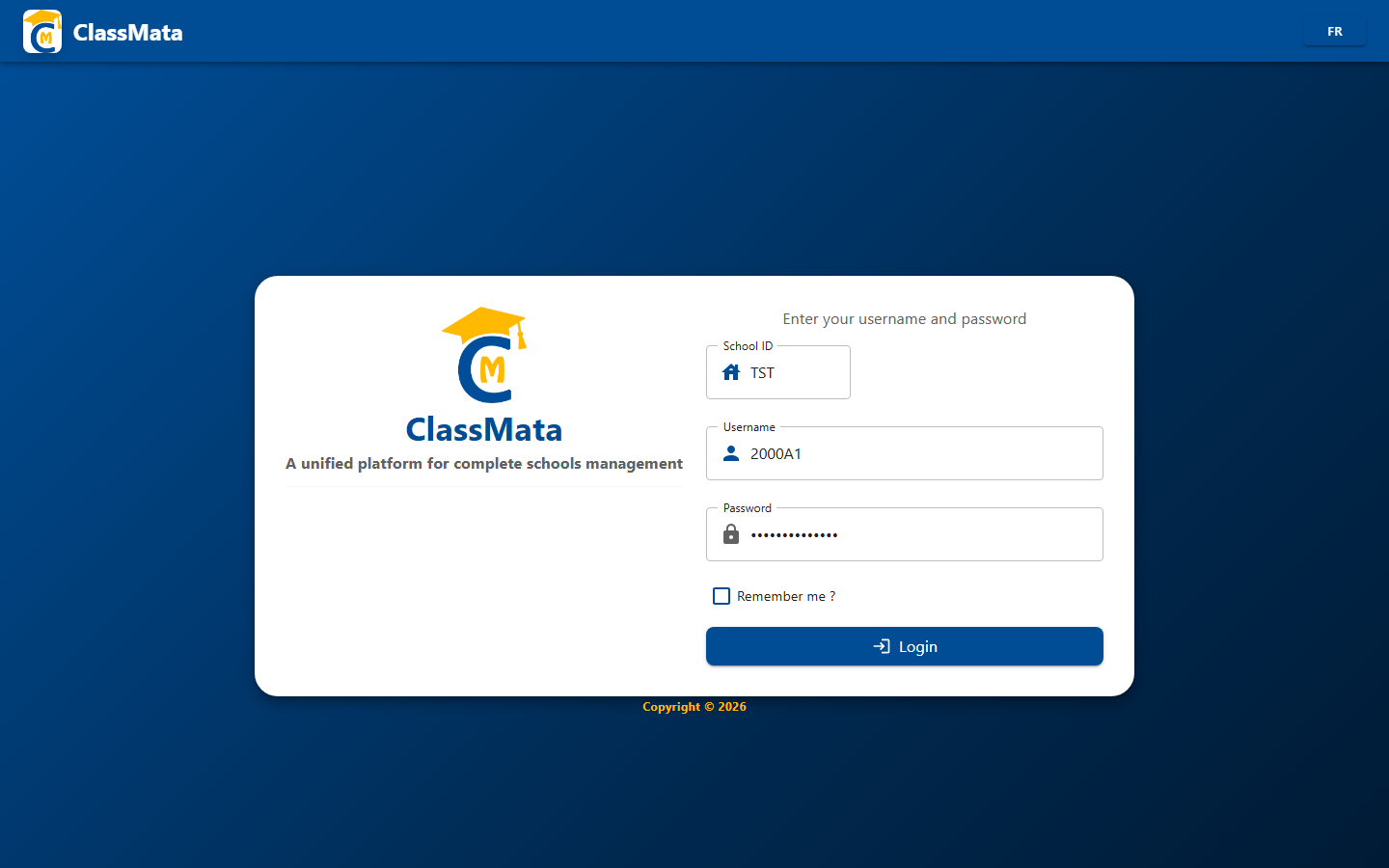
The login screen asks for three pieces of information:
- School Code — the school's short identifier (e.g. "TST")
- Username — the user's personal login
- Password
The Remember me? checkbox keeps the session alive on this device. The Sign in button validates the credentials and opens the Dashboard.
Dashboard
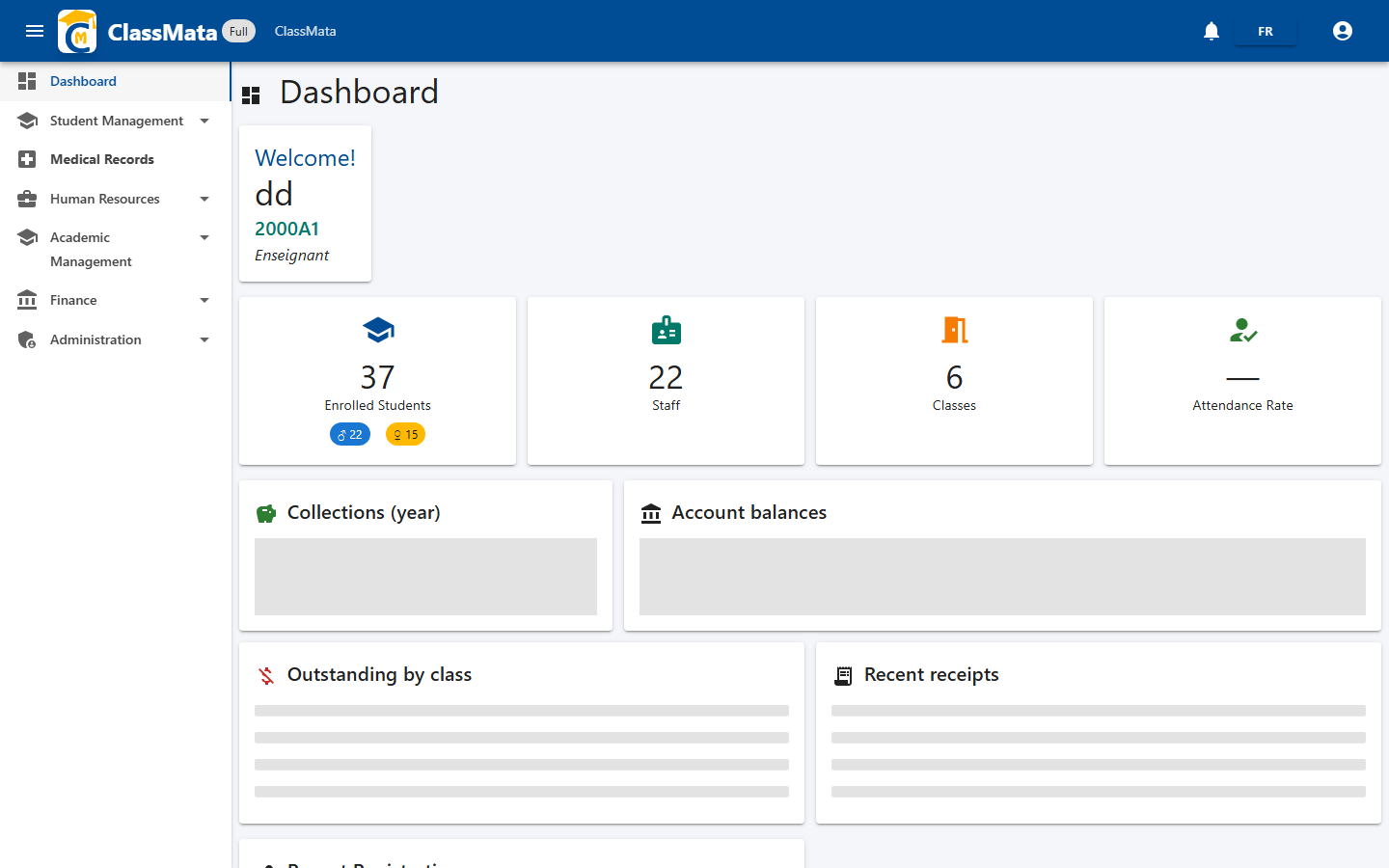
The welcome card shows the signed-in user's name, ID and role (e.g. Teacher).
Four key indicators summarize the school year's activity:
- Enrolled students (with a boy/girl breakdown)
- Staff
- Classes
- Attendance rate
Below that, the year's fee collection progress, balances by fee type, outstanding balances by class, and the latest receipts give a quick read on the school's financial health.